Create
Build QR codes for URLs, menus, contact cards, Wi-Fi access, events, and campaign pages.
Use a QR code generator built for real business campaigns. Every QR code you create is editable, trackable, and brand-ready, so you can update links, measure scans, and keep printed assets working.
Free forever for 5 codes — Pro from $15/month. See pricing
Quick answers
4
QR code types
∞
Editable destinations
15+
Control features
Free
To get started
Business QR code generator
Stirling-QR is a QR code generator for teams that need to create, edit, track, brand, and export QR codes for ongoing campaigns. Static generators are fine for one-time links, but business campaigns need flexibility after the code is printed.
Build QR codes for URLs, menus, contact cards, Wi-Fi access, events, and campaign pages.
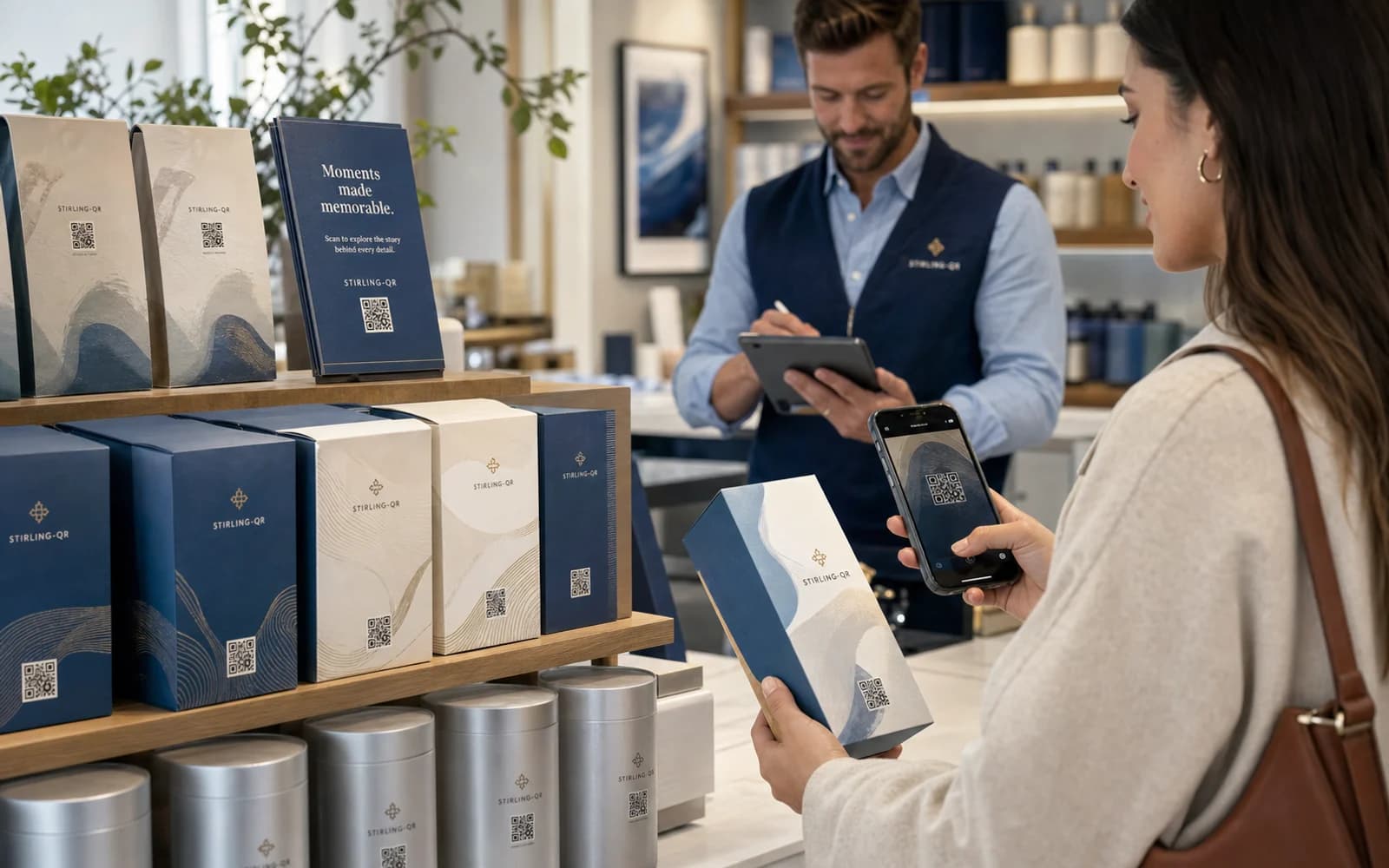
Change the destination after printing so old flyers, packaging, or signs do not become useless.
Measure scans by time, country, city, device, browser, referrer, and campaign.
Add colors and logos, then export PNG, SVG, or PDF files for print and digital use.
Campaign Management
Group your QR codes into campaigns. Control when they activate, when they expire, who can scan them, and where they lead — all without touching the physical print.
Organise all your QR codes under named campaigns — Summer Sale, Event Signage, Product Launch. View and manage every code in a campaign from one place.
Set a go-live date. Your QR code stays dormant until the exact moment your campaign launches.
Set an end date. The code stops working automatically — no manual intervention needed.
Temporarily disable a QR code mid-campaign and turn it back on whenever you're ready — no reprint.
Change where any QR code points at any time. One click in the dashboard — no reprinting.
Workflow
Create, brand, print, and launch. Then update, track, and optimise — all without touching the print again.
Choose a QR type, set the destination URL, name it, and assign it to a campaign.
Open the Design Studio. Add your brand colours, choose dot shapes, and embed your logo.
Download PNG, SVG, or PDF. Place on flyers, packaging, signage, or screens.
Watch scans roll in. Update destinations, run split tests, and extend expiry dates from the dashboard.
Advanced Controls
From gated content to regional campaigns — control exactly who scans, when, and where they end up.
A/B test two destinations and see which landing page converts better — without printing two codes. Split traffic any way you like and read the winner in analytics.
Limit scans to specific countries using 2-letter codes. Scanners outside your allowed regions see your inactive page. Ideal for regional promos or compliance.
Add a password gate so only people with the code get through. Perfect for internal links, member-only content, or exclusive offers.
Set a maximum number of scans; the code stops automatically when the cap is hit. Great for limited offers, first-come-first-served, or controlled distribution.
Set a future activation date. Print your QR codes in advance — they won't start working until the scheduled launch time. Perfect for countdowns, timed reveals, and planned campaigns.
Give your redirect URL a memorable name like /r/summer-sale instead of a random code. Reinforce your brand in every link and make it easier to manage at scale.
Analytics
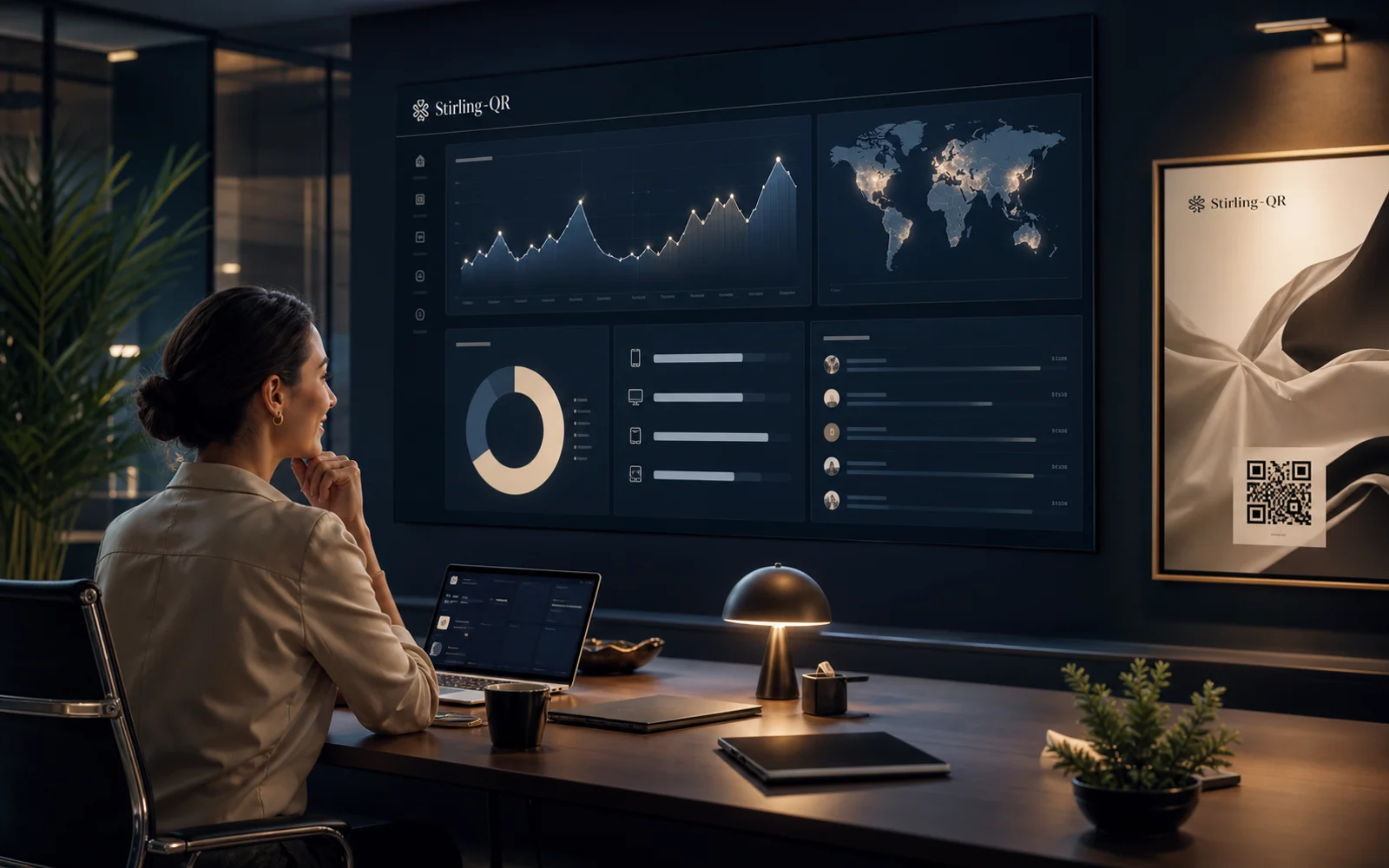
Every scan is logged. See performance across time, device type, location, and browser — all per QR code, all in real time.
Scan activity — last 30 days
LiveTotal scans
1,284
Top country
United States
Mobile share
68%
Top browser
Chrome
Peak day
Today
Variants
A: 54% / B: 46%
Dot styles
Eye styles
Export formats
PNG
Digital & print
SVG
Scalable vector
Print-ready
Colour control
Design Studio
Every QR code you create can be fully styled to match your brand. Change colours, pick a dot shape, choose an eye style, and embed your logo — all from a live preview editor.
QR Code Types
Create different kinds of QR codes for different needs — all managed in the same dashboard.
Send scanners to any website. Update the destination anytime without reprinting. Track every scan.
Scanners are prompted to save your contact details directly to their phone's address book.
Guests connect to your Wi-Fi instantly — no password to read out or type.
Encode a short message directly. Works without internet — no redirect, no app needed.
Blog
Tips, guides, and insights from the Stirling-QR team.
4 April 2026
Most teams are not short on attention. They are short on conversion flow. You can print QR codes on posters, packaging, tables, windows, and sales collateral all day long, but if your post-scan journey is unclear, you ge
Read more5 April 2026
If your team uses QR codes but cannot answer "which placement drove this lead?", your tracking setup is leaking value. UTM auto-tagging fixes this by attaching structured campaign parameters to every scan destination so
Read more6 April 2026
Most teams test ad creatives. Fewer teams test what happens after a QR scan. That is a missed opportunity. With QR split testing, you can send traffic from one printed code to two landing page variants and compare outcom
Read more7 April 2026
Not every scanner should land on the same page. If you run regional offers, local pricing, language-specific pages, or country compliance requirements, one destination URL can create friction and lost conversions. Geo-ta
Read moreEvery feature is built to give you more control with less effort.
Works with the tools you already use
Stirling-QR is growing fast. These features are actively being built — some are available now on higher plans, others are coming soon for Pro, Business, and Enterprise tiers.
View full feature documentationUpload a CSV and generate hundreds of QR codes in one click. Perfect for large campaigns, retail chains, and event organisers.
Fire Meta Pixel and Google Ads conversion tags on every scan — automatically build retargeting audiences without touching your destination site.
Trigger any workflow the moment a QR code is scanned. Connect to 5,000+ apps via Zapier or fire custom HTTP webhooks.
Route iOS users to the App Store, Android users to Google Play, or show different content by language, day, or time — all from one printed code.
Use your own branded domain (e.g. go.yourbrand.com) instead of the Stirling-QR URL in every QR code you print.
Social media profiles, app store download codes, PDF/file QR codes, event/calendar QR codes, and restaurant menu codes — all launching soon.
See scan density by country on an interactive world map — instantly identify which regions are responding to your campaigns.
Auto-append UTM parameters to every QR scan so they appear as campaigns in your Google Analytics dashboard — zero manual tagging.
Build a mobile-first micro-site that's the destination for your QR code — no external website needed. Links, images, buttons, forms.
Replace every trace of Stirling-QR branding with your own logo, company name, and colours — for agencies and enterprise customers.
Let your team log in with your company identity provider. Supports SAML 2.0, Okta, Azure Active Directory, and Google Workspace.
Create and manage isolated workspaces for clients or business units under one master account. Built for agencies and multi-brand enterprises.
A complete, tamper-evident trail of every action in your workspace — who created, edited, or deleted what, and when.
Export any QR code directly into your Canva design. One click adds it as a crisp, scalable element — ready to drop into flyers, posters, and social graphics.
Get a Slack message the moment a QR code is scanned — with scan location, device, and QR code name. Perfect for event check-ins and live campaign monitoring.
Every QR code scan can create or update a HubSpot contact, log a timeline event, and trigger your existing workflows — closing the gap between print and CRM.
Append every scan as a new row in a Google Sheet automatically — build live dashboards, share scan data with the team, or feed into Data Studio reports.
Independent third-party audit of our security controls — access management, encryption, incident response, and availability. Report available to Enterprise customers on request.
Data residency selection, right-to-erasure workflows, DPA agreement, and a privacy-first scan log — everything you need to operate lawfully under GDPR.
Business Associate Agreement (BAA), PHI handling controls, and audit-ready logging — for healthcare providers and covered entities using QR codes in clinical settings.
Choose from a library of pre-designed frames — 'Scan Me' banners, branded borders, call-to-action labels — applied around your QR code in one click.
Need enterprise features now?
Contact us to discuss a custom Enterprise plan with white labelling, SSO, and dedicated support.
Create your first QR code free — no credit card. Upgrade to Starter when you need dynamic editing, scheduling, and SVG export.